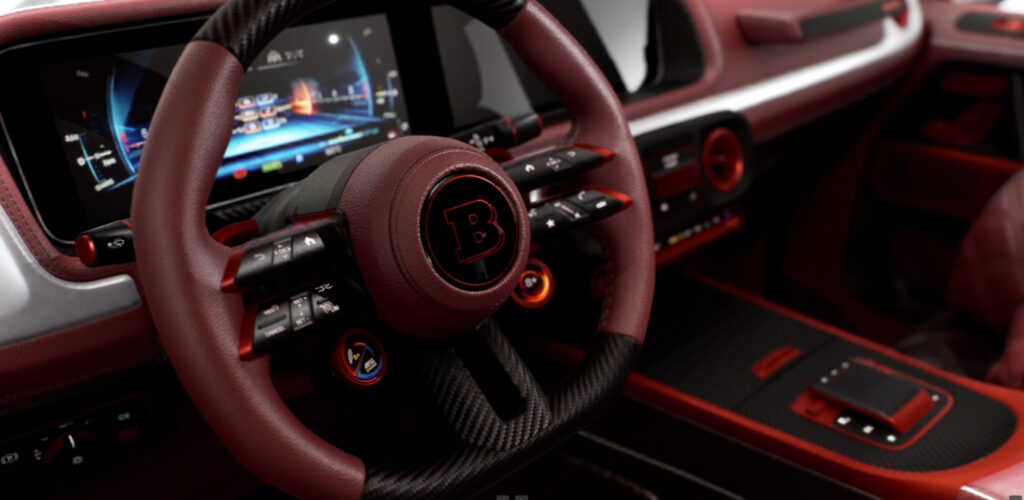
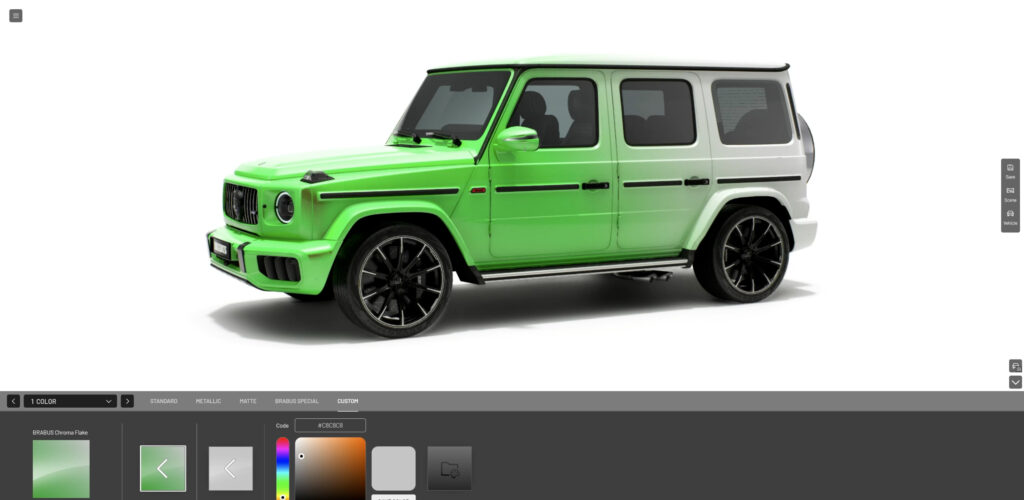
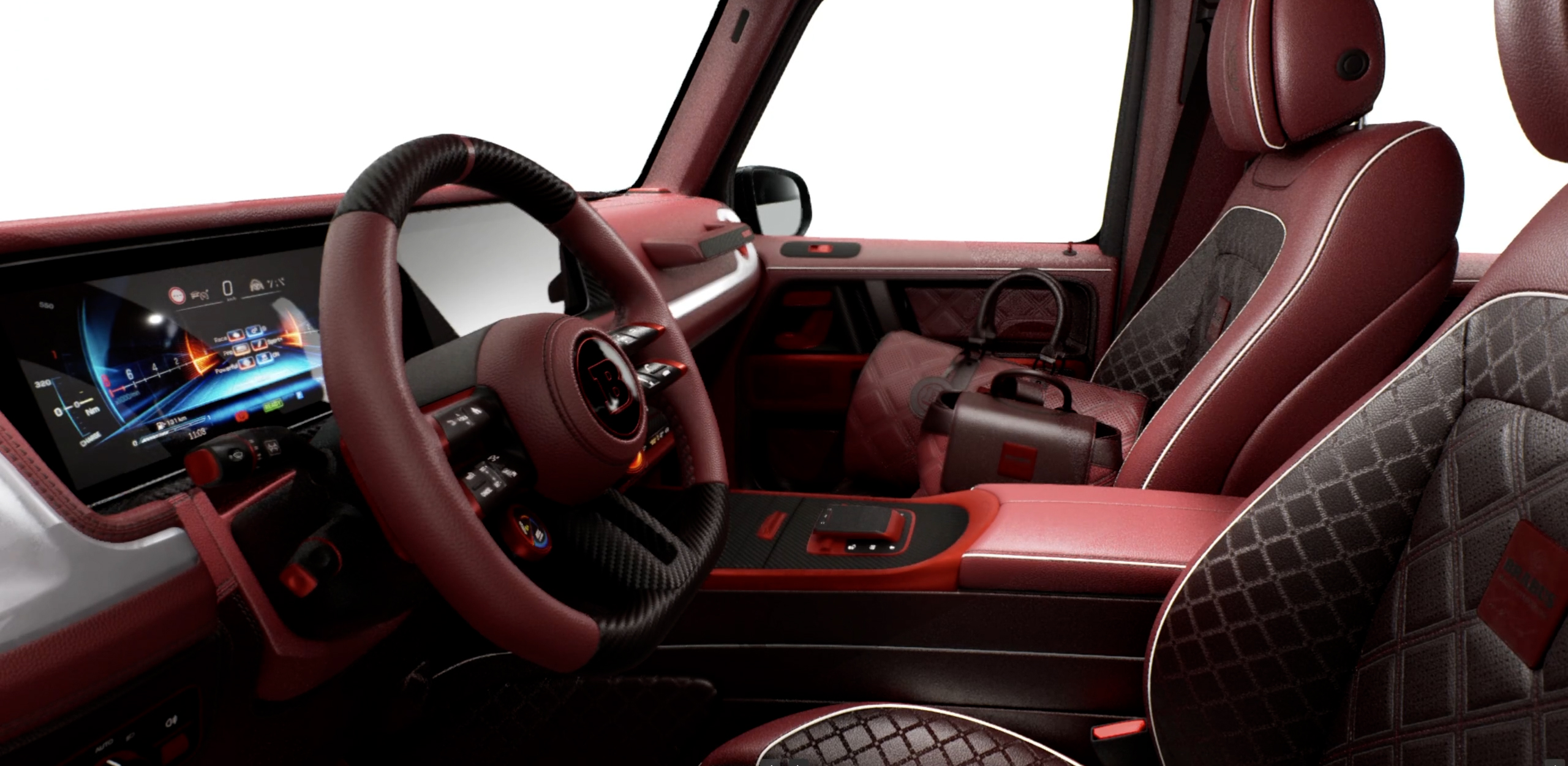
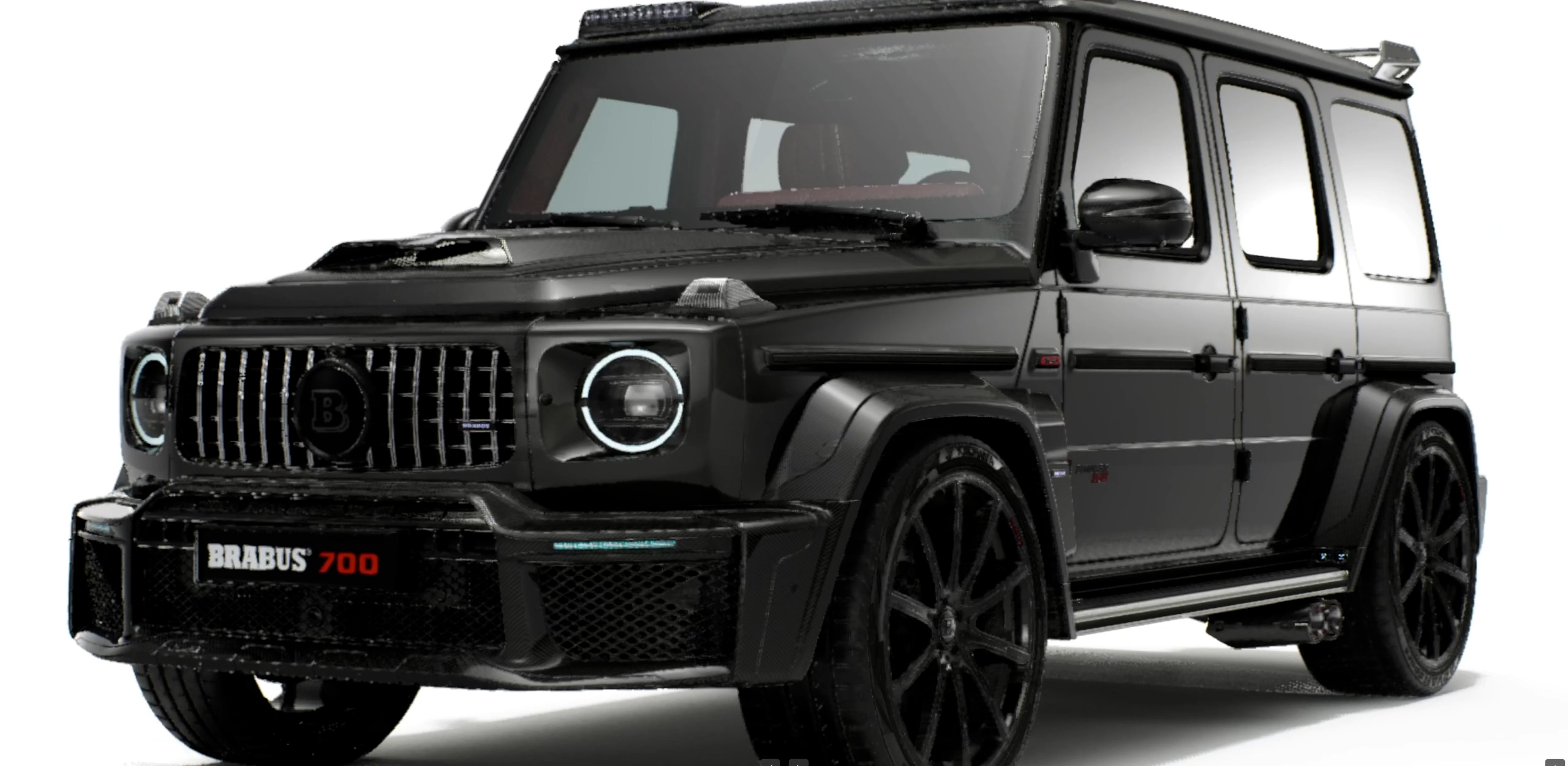
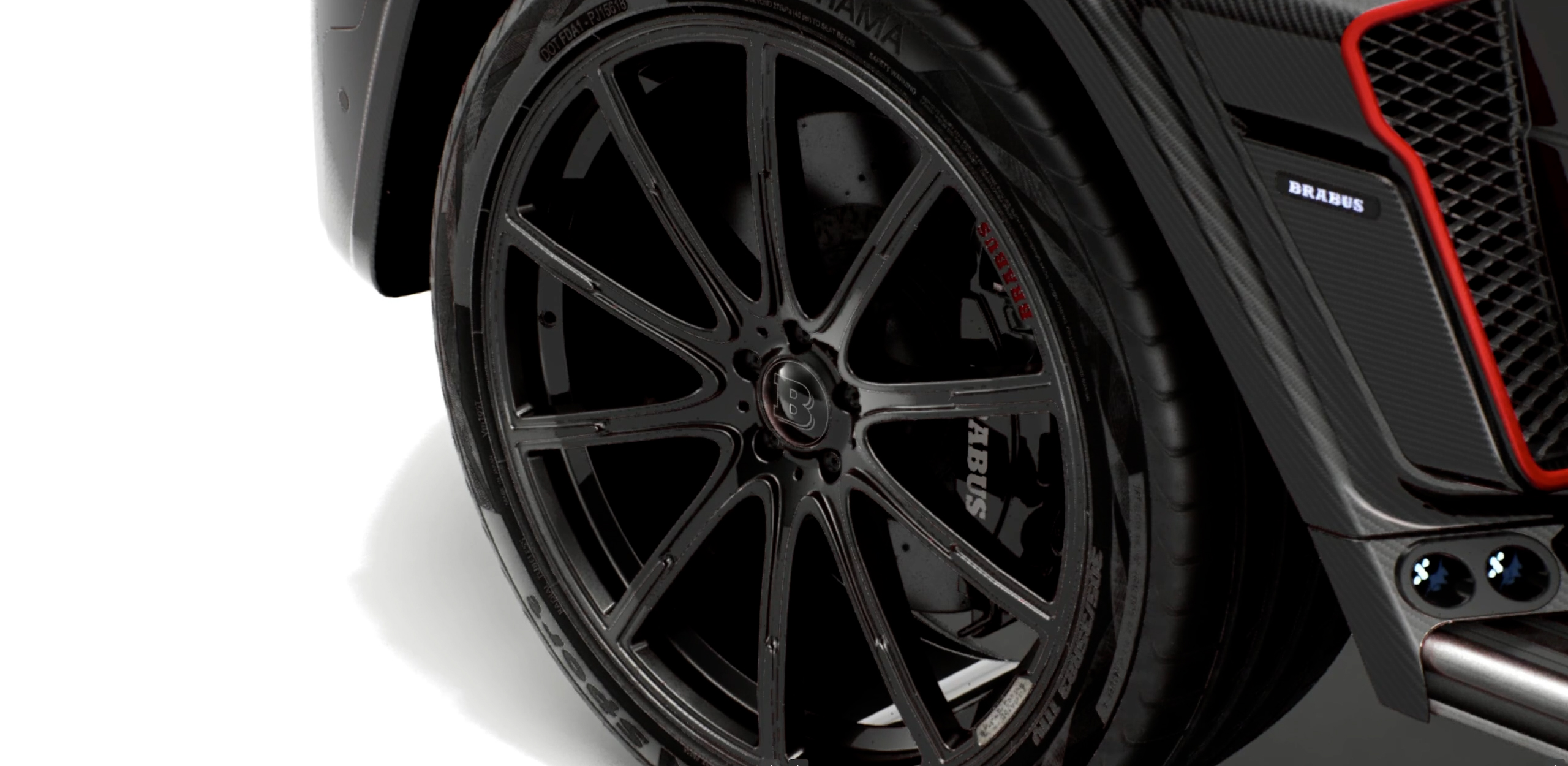
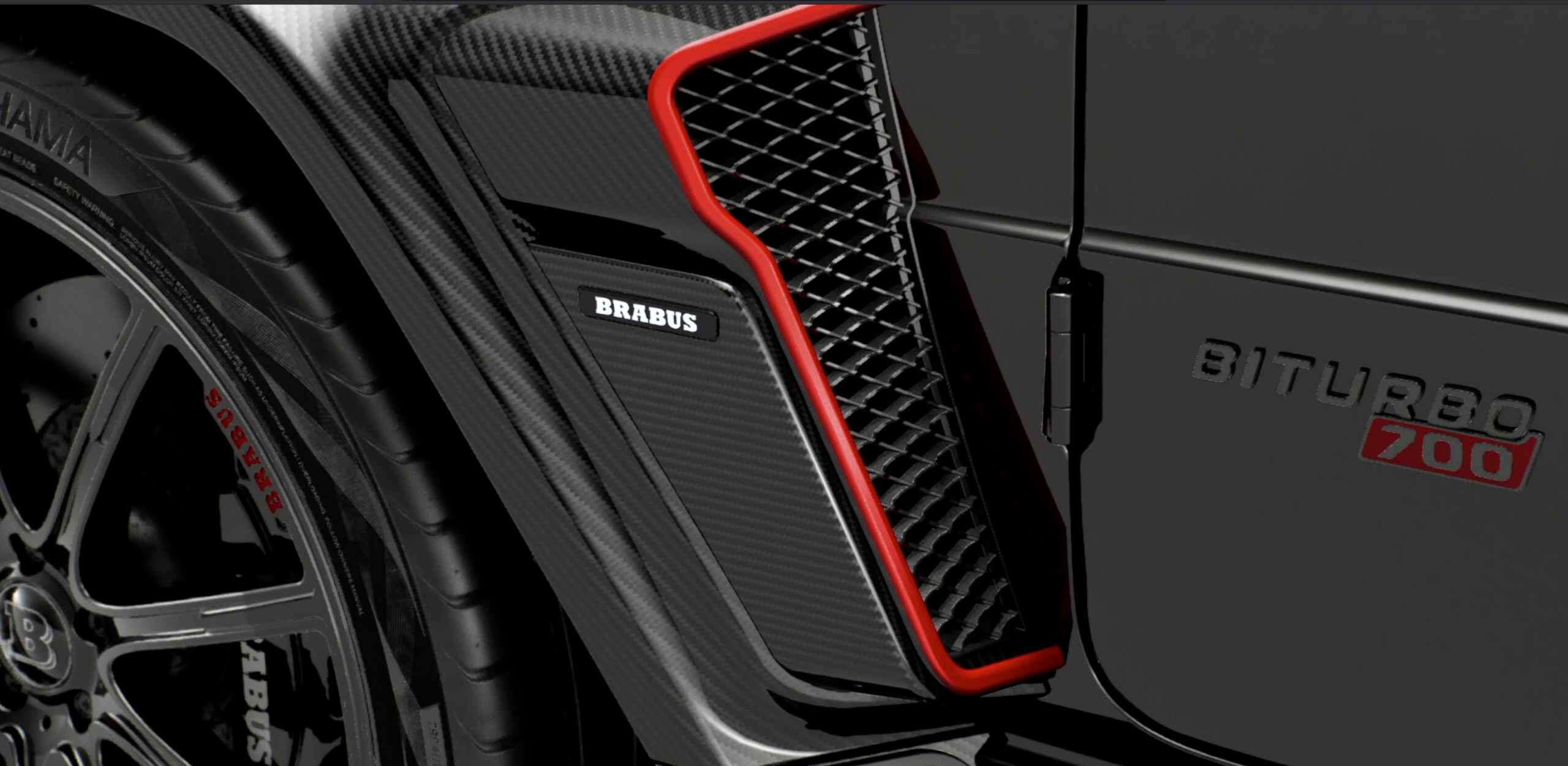
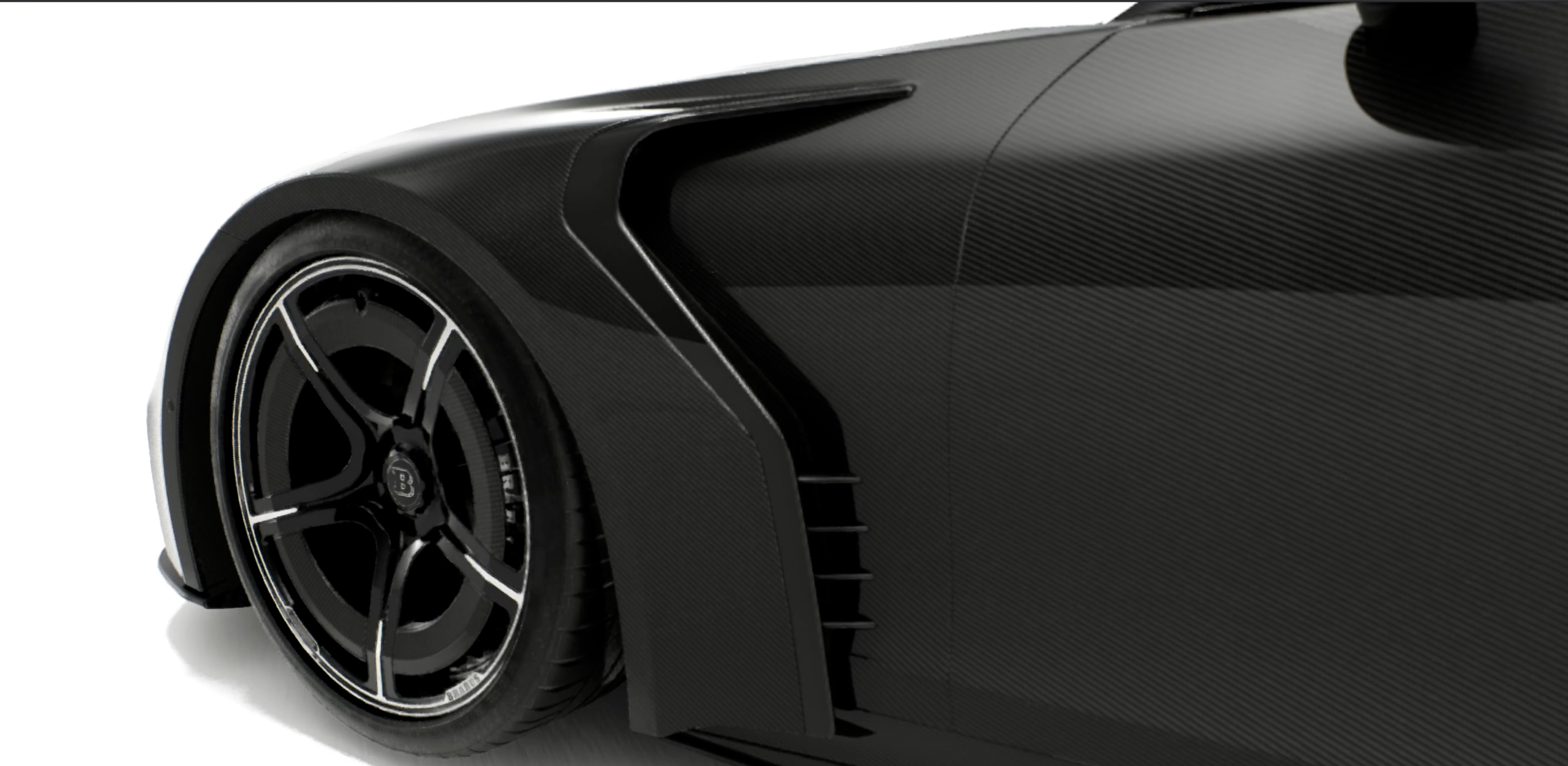
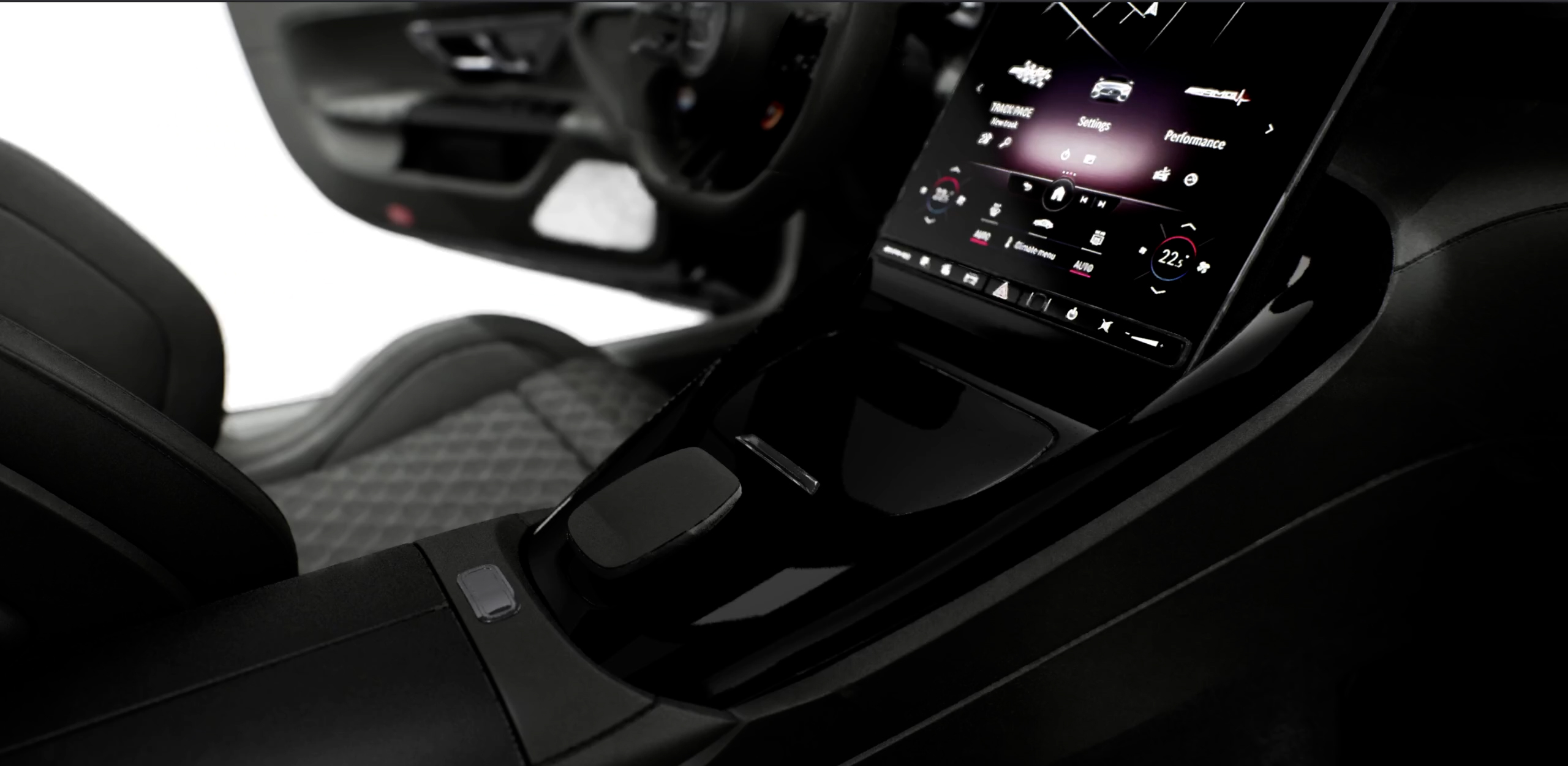
As part of a team delivering a high-end interactive configurator for BRABUS, we combined Unreal Engine real-time rendering with a web-driven UI using Pixel Streaming to make the experience accessible directly in the browser. Within the project, I focused on building key parts of the configurator system: I developed Blueprint-based configuration logic, created shaders/material solutions to support customizable visuals, and contributed internal tools that helped the team iterate faster and reduce manual setup. I also worked on the website-side logic for specific configuration edge cases, helping ensure reliable synchronization between the web UI and the streamed Unreal session.
Tool
I developed a custom Unreal Engine C++ plugin to streamline how the team debugs and edits the configurator in runtime. The tool enables fast runtime selection of actors and components, including navigating Blueprint hierarchies inside other Blueprints. When an actor/component is selected, the plugin exposes its associated tags, assigned materials/shaders, and static meshes for quick inspection and validation. It also supports searching by tag input to automatically select and highlight matching components directly in the scene. In addition, the plugin includes a pipeline feature to export a configured vehicle to USD, enabling easier handoff to external DCC tools and downstream workflows.
Shader
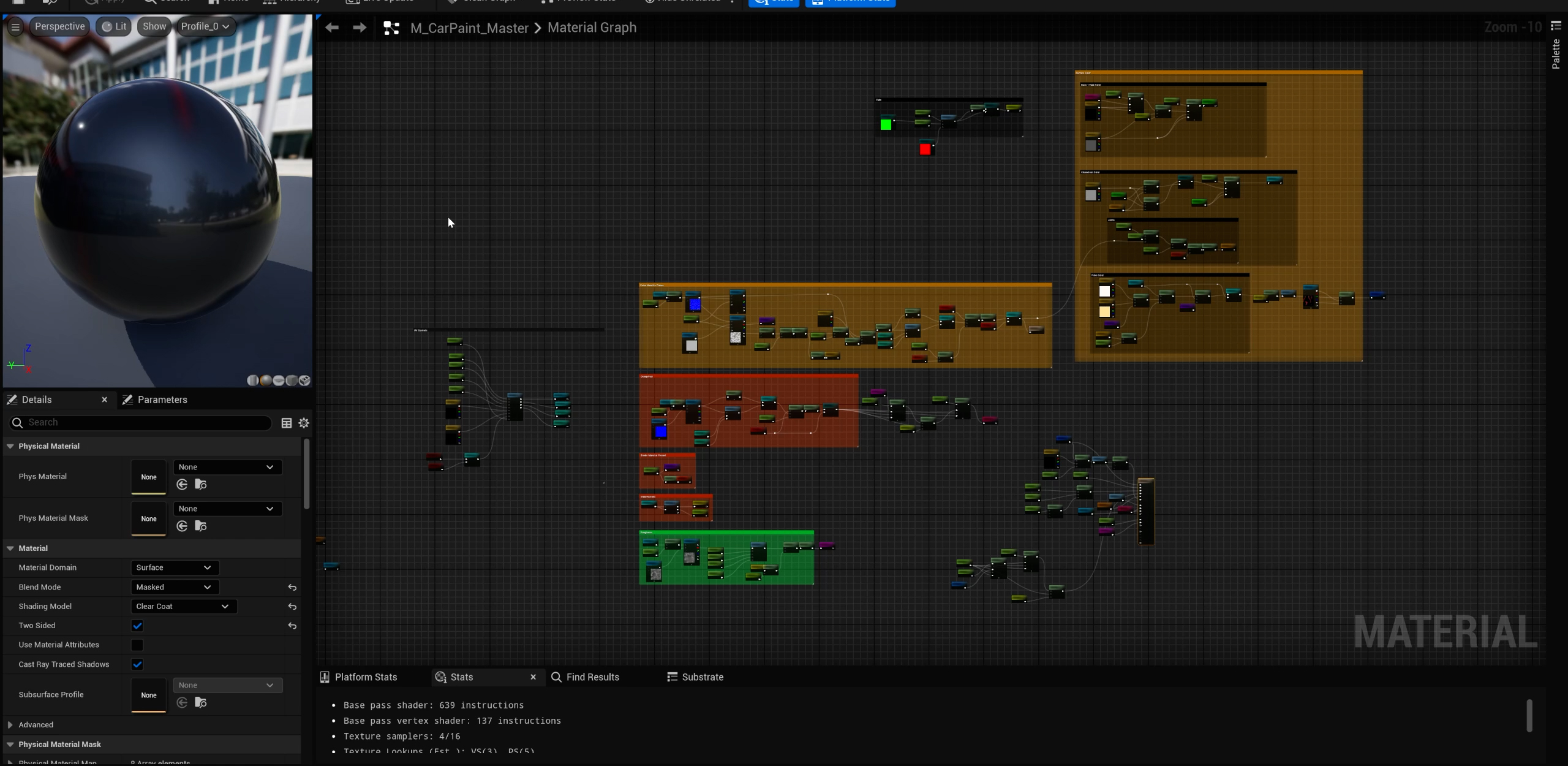
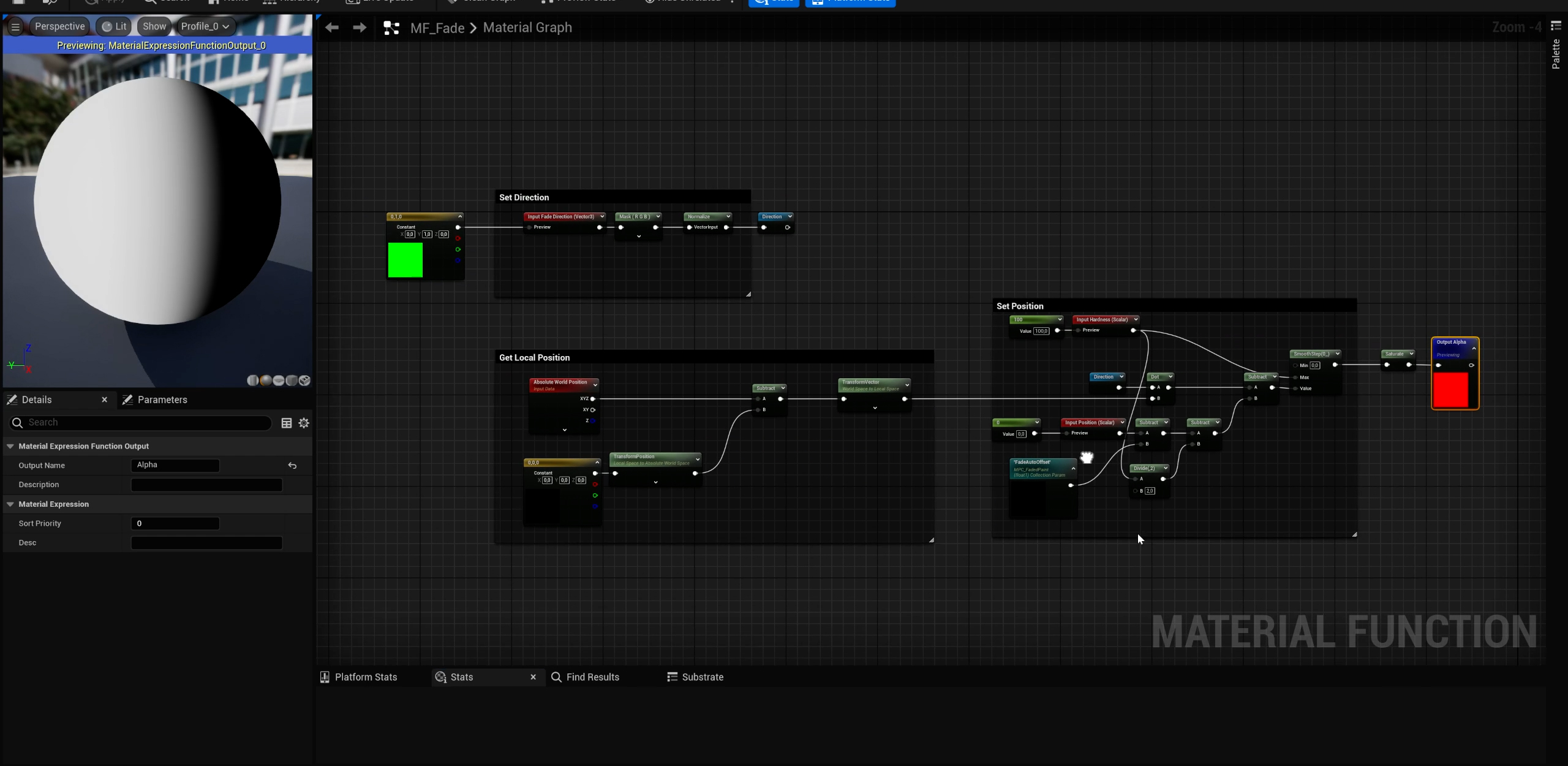
I created a custom gradient paint shader for the configurator to enable high-end two-tone finishes while staying visually consistent across complex vehicle assemblies. A key requirement was that the gradient remain stable during part animation (doors, hood, and other moving panels), so the effect doesn’t “swim” or shift when components rotate or open. The shader blends between two existing paint materials or allows custom color inputs, giving flexibility for both production paint sets and bespoke variants. To support multiple vehicle models, I ensured the gradient’s placement is consistent across different cars, maintaining a predictable look regardless of scale or mesh layout. The system also supports a fully customizable gradient direction (front-to-back, top-to-bottom, left-to-right, or any arbitrary direction), allowing art direction control while preserving continuity across separate meshes and animated parts.